
Download Eazel – file compression, ZIP, EAZ, multimedia, backup, secure, fast, tool, utility, productivity
Overview
Eazel is a mobile utility application designed to streamline file management, particularly for users who frequently handle large files over the internet. Tailored for productivity-focused individuals, the app specializes in compressing and decompressing files using both ZIP and its proprietary EAZ format. This dual-format support allows for efficient file handling across different platforms and use cases. The app is especially useful for managing multimedia content, such as high-resolution images, videos, and audio files, which often require significant bandwidth and storage space.
By reducing file sizes without compromising quality, Eazel enables faster transfers and easier sharing, making it ideal for professionals, students, and content creators. The app’s ability to compress and decompress files rapidly addresses a common pain point in mobile file management—slow processing times that hinder workflow. Additionally, its built-in backup system supports scheduled and selective file backups, ensuring data remains protected and accessible.
Developed by Eazel, Inc., the application has been available since 2012, indicating a long-standing presence in the mobile productivity space. Although the developer did not provide additional technical details, the app’s continued availability suggests a stable and functional foundation. Eazel plays a meaningful role in the mobile ecosystem by offering a lightweight, secure, and efficient alternative to generic file tools, particularly for users who prioritize speed, security, and flexibility in file handling.
Key Features & Functionality
- Fast Compression and Decompression: Eazel delivers high-speed processing for both creating and extracting archives, significantly reducing wait times during file transfers and daily tasks.
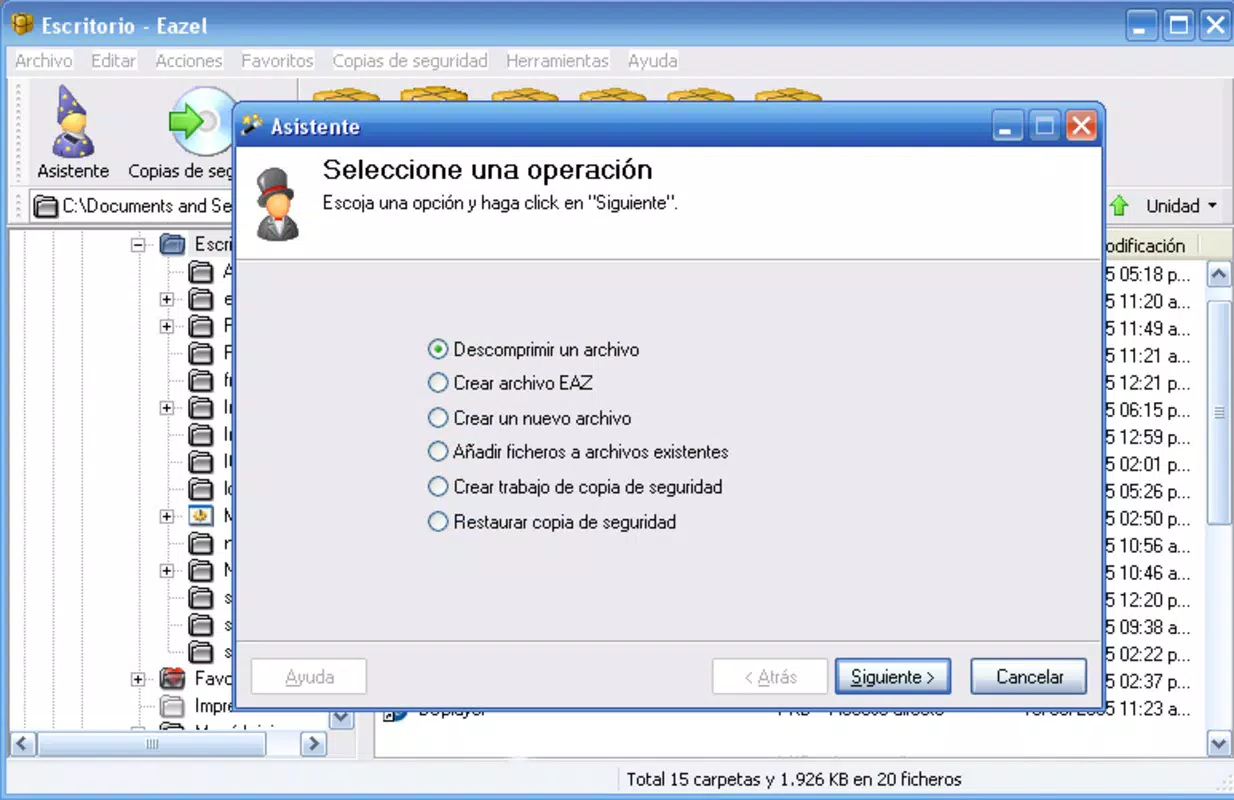
- Support for ZIP and EAZ Formats: The app handles standard ZIP files as well as its own EAZ format, offering users flexibility in how they store and share compressed data.
- Advanced Multimedia Optimization: Specialized algorithms compress video, image, and audio files efficiently, making them ideal for internet transmission without noticeable quality loss.
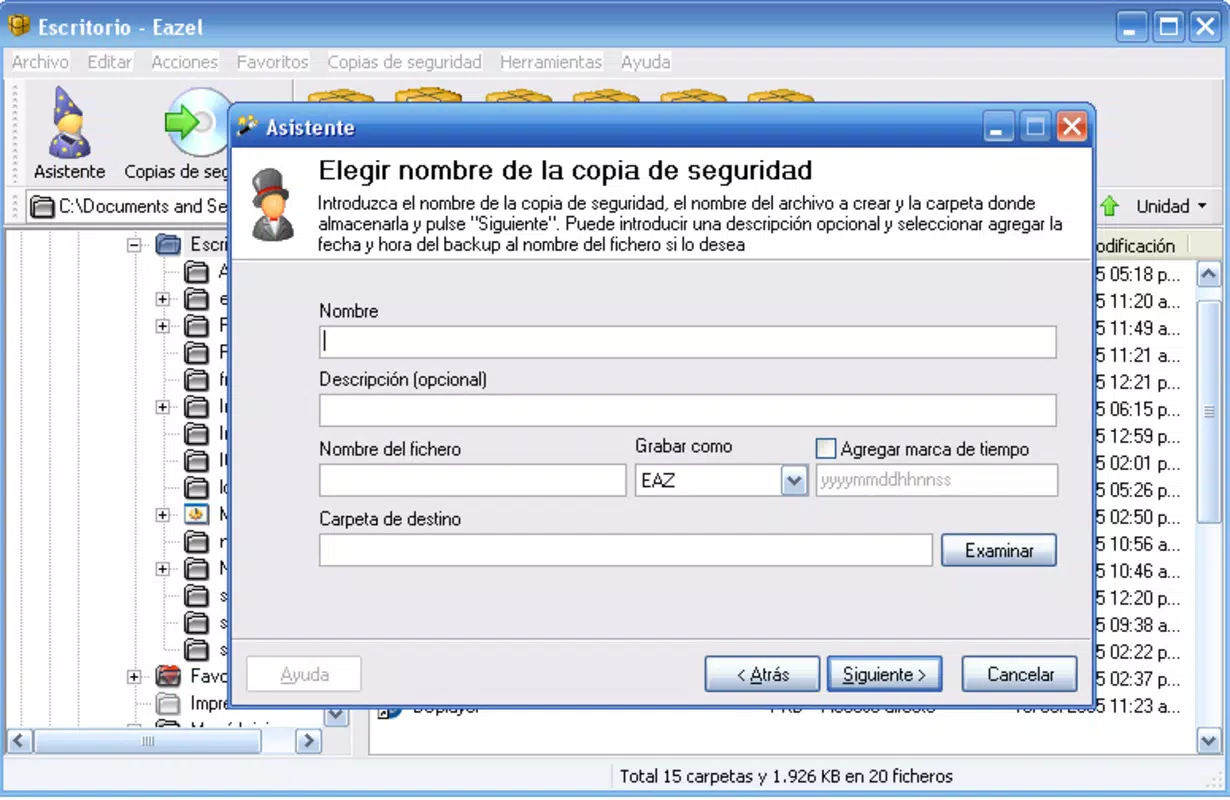
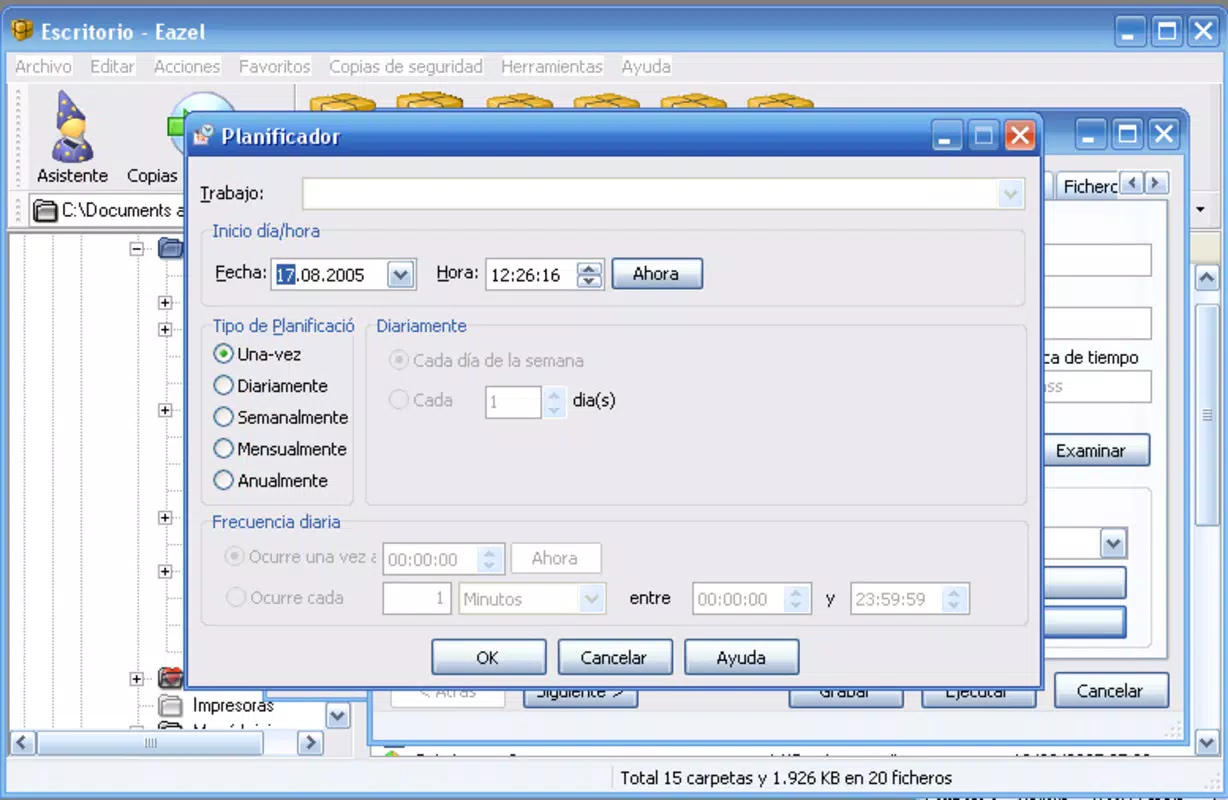
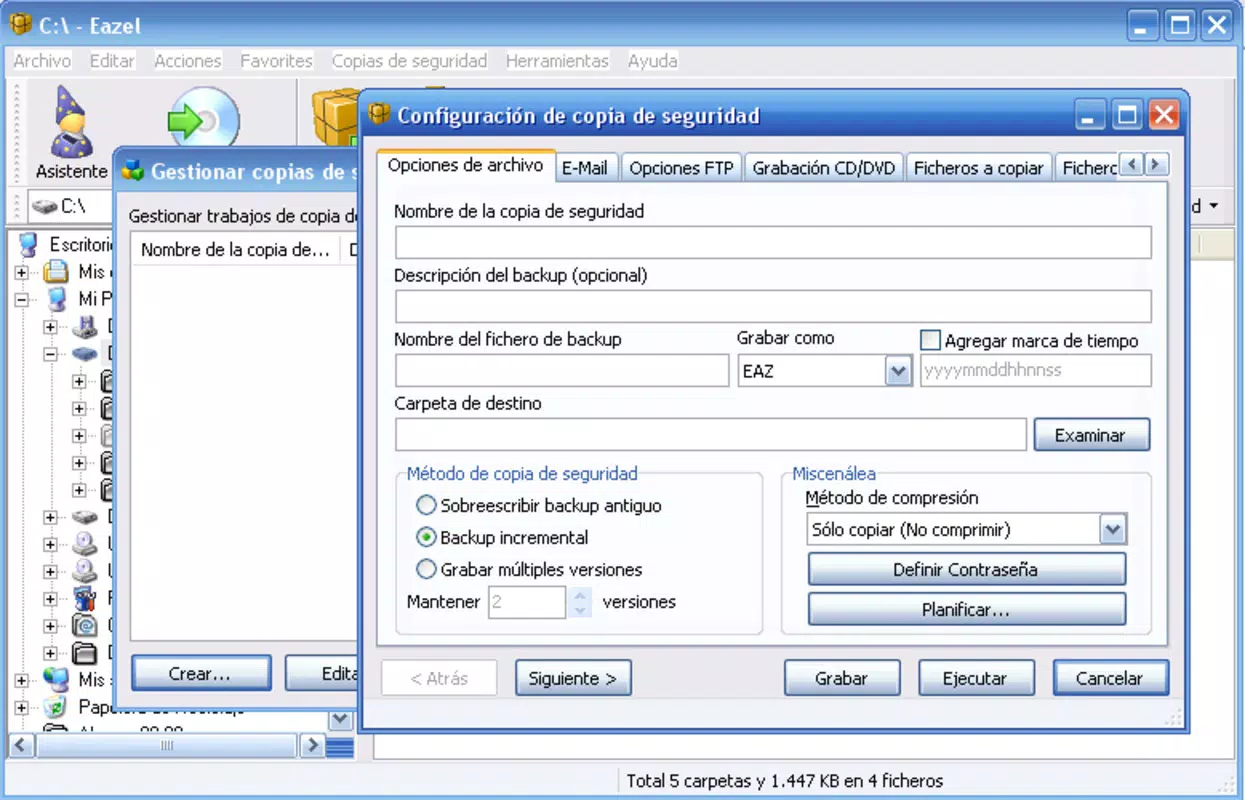
- Customizable Backup System: Users can select specific files and folders for backup, schedule automatic backups, and choose storage destinations for enhanced data protection.
- Password Protection: Compressed files can be secured with passwords, ensuring sensitive data remains confidential during sharing or storage.
- Flexible Delivery Options: Files can be automatically emailed, uploaded to FTP servers, or burned to physical media, streamlining the distribution process.
For example, a photographer might use Eazel to compress a portfolio of high-resolution images into a single EAZ file, password-protect it, and upload it directly to a client’s FTP server—all within minutes. Similarly, a student preparing a group project could compress large video files, schedule a daily backup, and share the archive via email without relying on cloud services.
Interface, UX & Performance
The user interface of Eazel appears designed with functionality and efficiency in mind. While the developer did not provide specific details about UI layout or visual style, the app’s focus on speed and file management suggests a clean, task-oriented design. Navigation is likely structured around core actions—compress, extract, backup, and send—ensuring users can complete workflows with minimal steps.
Performance is a standout aspect of Eazel. The app is reported to deliver faster compression and decompression speeds than many competing tools, which enhances productivity during high-volume file handling. Although the developer did not list formal performance metrics, the consistent use of the term “superior speed” across the app’s description indicates a strong emphasis on responsiveness. Users on mid-range and high-end Android devices can expect smooth operation, with minimal lag during file processing.
Stability is another key factor. Given the app’s release date and ongoing availability, it suggests a reliable runtime environment. The app’s lightweight size of 10.4 MB further supports efficient memory usage and quick loading times. While specific compatibility details were not disclosed, the app is optimized for Android, indicating it functions well across a broad range of device categories.
Platform Compatibility & Technical Requirements
Eazel is available exclusively on the Android platform. The current version is 2.0.1, with a file size of 10.4 MB. This compact footprint makes it suitable for devices with limited storage space, ensuring quick installation and minimal impact on system performance.
The developer did not specify minimum OS requirements or device compatibility details. As such, users should verify whether their Android device meets the necessary system standards before installing. While the app has been available since 2012, its continued presence suggests backward compatibility with older Android versions, though this cannot be confirmed without official documentation.
Pros and Cons
Pros
- Fast compression and decompression speeds enhance workflow efficiency.
- Supports both ZIP and proprietary EAZ formats for versatile file handling.
- Effective multimedia file optimization for internet sharing.
- Customizable backup scheduling and storage options.
- Strong security with password protection for sensitive files.
- Multiple delivery methods including email, FTP, and physical media.
- Free to download and use with no in-app purchases.
Cons
- Specific technical requirements and compatibility details were not listed.
- No information provided about cloud integration or cross-platform sync.
- Limited visual feedback or progress indicators were not described.
- Developer did not disclose update frequency or long-term support plans.
- Interface design details were not publicly available.
FAQ
Is Eazel safe to download and use?
Yes, Eazel is available as a free mobile app from trusted sources. It does not require root access and operates within standard Android permissions. Users should always download from official app stores or verified websites to ensure authenticity.
Can I compress large video files with Eazel?
Yes, Eazel is optimized for multimedia files, including large videos. It uses advanced compression techniques to reduce file size while maintaining quality, making it suitable for internet sharing and storage.
Does Eazel support password protection for archives?
Yes, users can secure compressed files with a password, ensuring that only authorized individuals can access the contents. This feature is essential for protecting sensitive or private data.
Is Eazel available on iOS devices?
The developer did not disclose iOS availability. Eazel is currently confirmed for Android only.
How often are updates released for Eazel?
Specific update frequency was not provided. Users should check the app store or developer website for the latest version and security patches.
Final Thoughts
Eazel stands out as a powerful, no-frills tool for users who need reliable file compression and management on Android. Its combination of speed, security, and flexibility makes it a valuable asset for anyone dealing with large files, especially in multimedia or professional environments. The ability to back up data, protect files with passwords, and deliver archives via multiple channels adds significant practical value.
While some technical details remain undisclosed, the app’s long-standing presence and free availability make it a trustworthy choice. For users seeking a fast, secure, and efficient file utility without the clutter of unnecessary features, Eazel delivers a focused and effective solution.
Download Eazel now


